Setting Mapping File Encoding
Use this key to set a different encoding for the mapping files to handle special characters, formatting, and styles other than UTF8. Follow these instructions:
-
Go to the Configuration page of Analysis Server web interface.
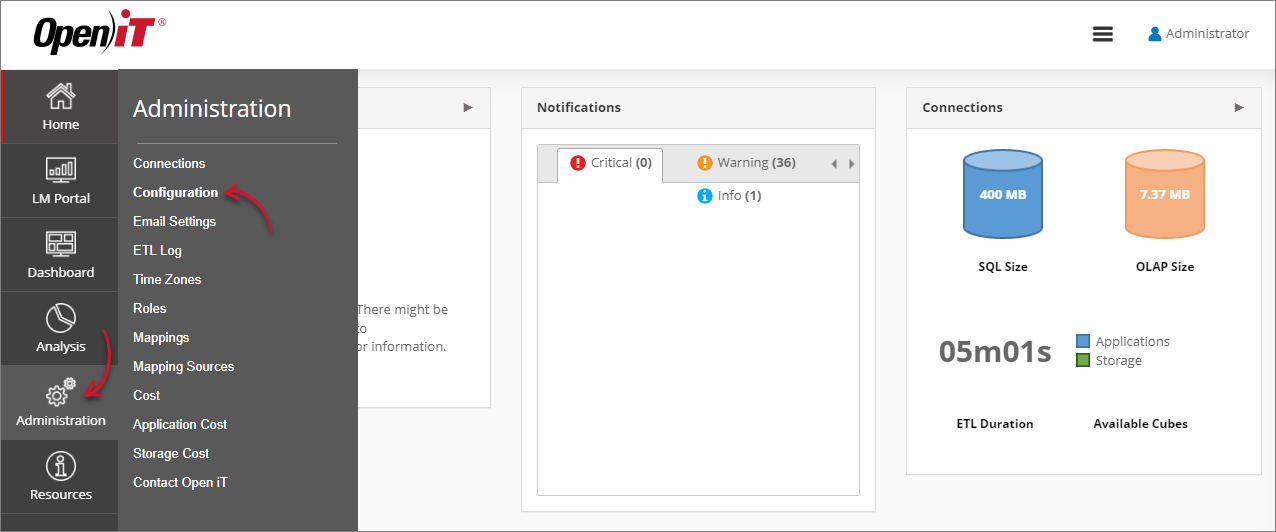 Navigating to the Configuration Page
 -
Locate the Root.Etl.MapFileEncoding key, click it, then choose a format from the dropdown.
-
Click Save.
 Setting Root.Etl.MapFileEncoding
 -
Click the Reset Session button at the bottom of the configuration table.