Activating the Feature Labeling Page
This key is inactive by default; activate it to access the Feature Labeling page, which allows administrators to configure labels for feature fields. Follow these instructions to activate:
-
Go to the Configuration page of Analysis Server web interface.
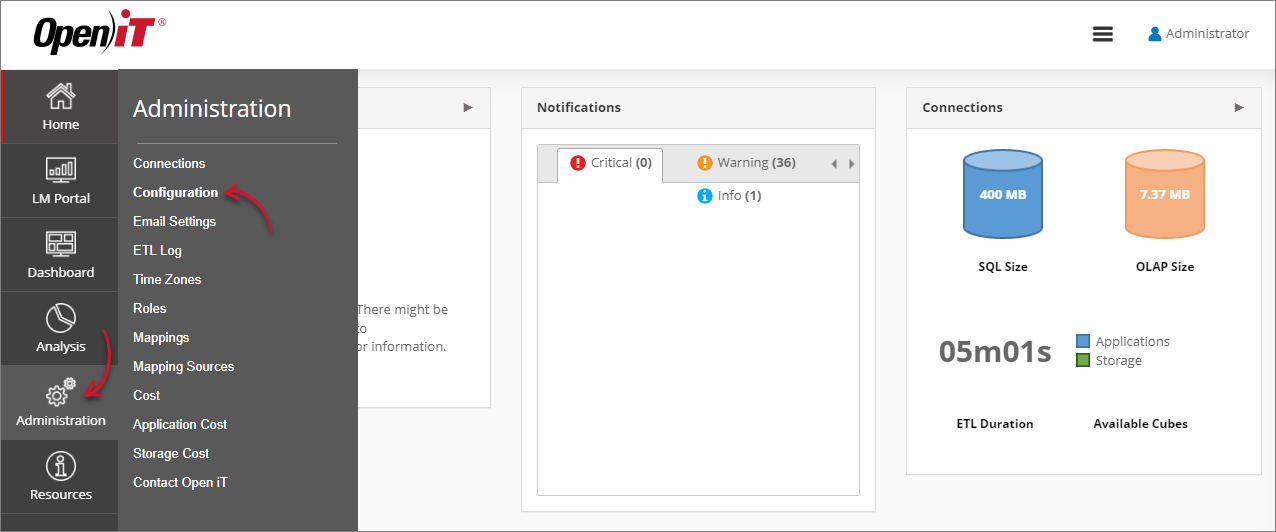 Navigating to the Configuration Page
 -
Locate the Root.Etl.FeatureLabeling key, click it, then set its value to true.
-
Click Save.
 Activating Root.Etl.FeatureLabeling
 -
Click the Reset Session button at the bottom of the configuration table.