Setting Report Element to Anonymize
Use this key to set which element of the reports to anonymize. Follow these instructions:
-
Go to the Configuration page of Analysis Server web interface.
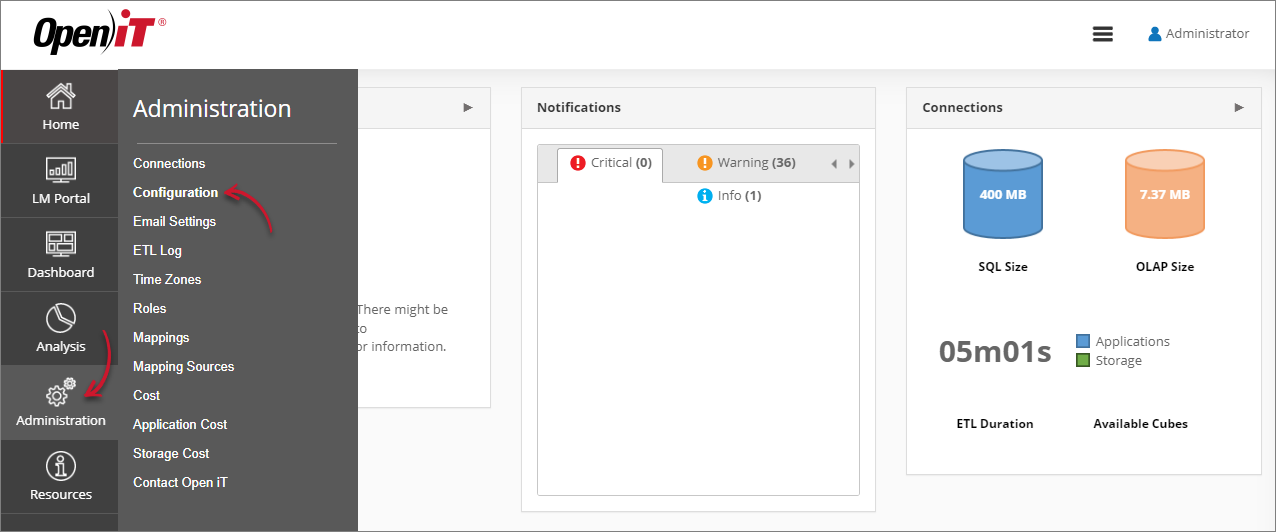 Navigating to the Configuration Page
 -
Locate the Root.Etl.UserAnonymization.Source key, click it, then choose what to anonymize from the dropdown.
-
Click Save.
 Setting Root.Etl.UserAnonymization.Source
 -
Click the Reset Session button at the bottom of the configuration table.