Setting the Process Start Date for Cube Processing
Restoring archived data can require additional cube processing, especially when large volumes of historical data are restored.
Archiving and restore use a configurable Process Start Date to determine which data is included when reporting cubes are processed.
-
Go to the Configuration page of Analysis Server web interface.
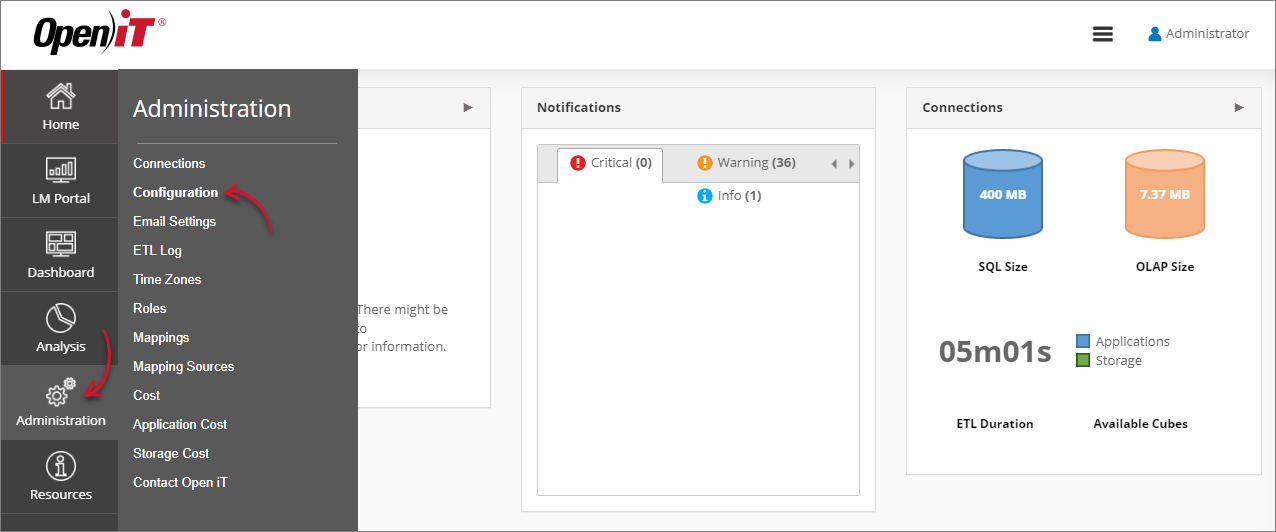 Navigating to the Configuration Page
 -
Locate the Root.Etl.Cube.ProcessStartDate key, click it, and set its value to the date from which you want the cube archiving or restoration processing to begin. By default, this key has no value. The feature is activated only when a value is specified.
-
Click Save.
 Setting Root.Etl.Cube.ProcessStartDate
 -
Click the Reset Session button at the bottom of the configuration table.
After this, execute the RunEtl command using the Analysis Server console.