Runs
The Runs page displays previously saved LicensePredictor forecast and evaluation runs. Use this page to review run history, filter saved results, and identify the model, target, and mode used for each run.
Filtering Saved Runs
Use the available filters to narrow the list of saved runs:
- From – Specifies the start date of the saved runs to display.
- To – Specifies the end date of the saved runs to display.
- Model – Filters saved runs by forecasting model.
- Target – Filters saved runs by target column.
Click Clear filters to remove all applied filters.
Click Refresh to reload the list of saved runs.
Saved Runs Table
The saved runs table displays the following information:
| Column | Description |
|---|---|
| Run | Displays the date and identifier of the saved run. |
| Product-Feature | Displays the product and feature associated with the run. |
| Mode | Indicates whether the saved run is a Forecast or Evaluate run. |
| Model | Displays the forecasting model used for the run, such as FastTree, LightGBM, or MSTL. |
| Target | Displays the target column used for the run, such as used_licenses or elapsed_time. |
| Metrics | Displays the availability or status of evaluation metrics for the run. |
Saved Runs Table Components
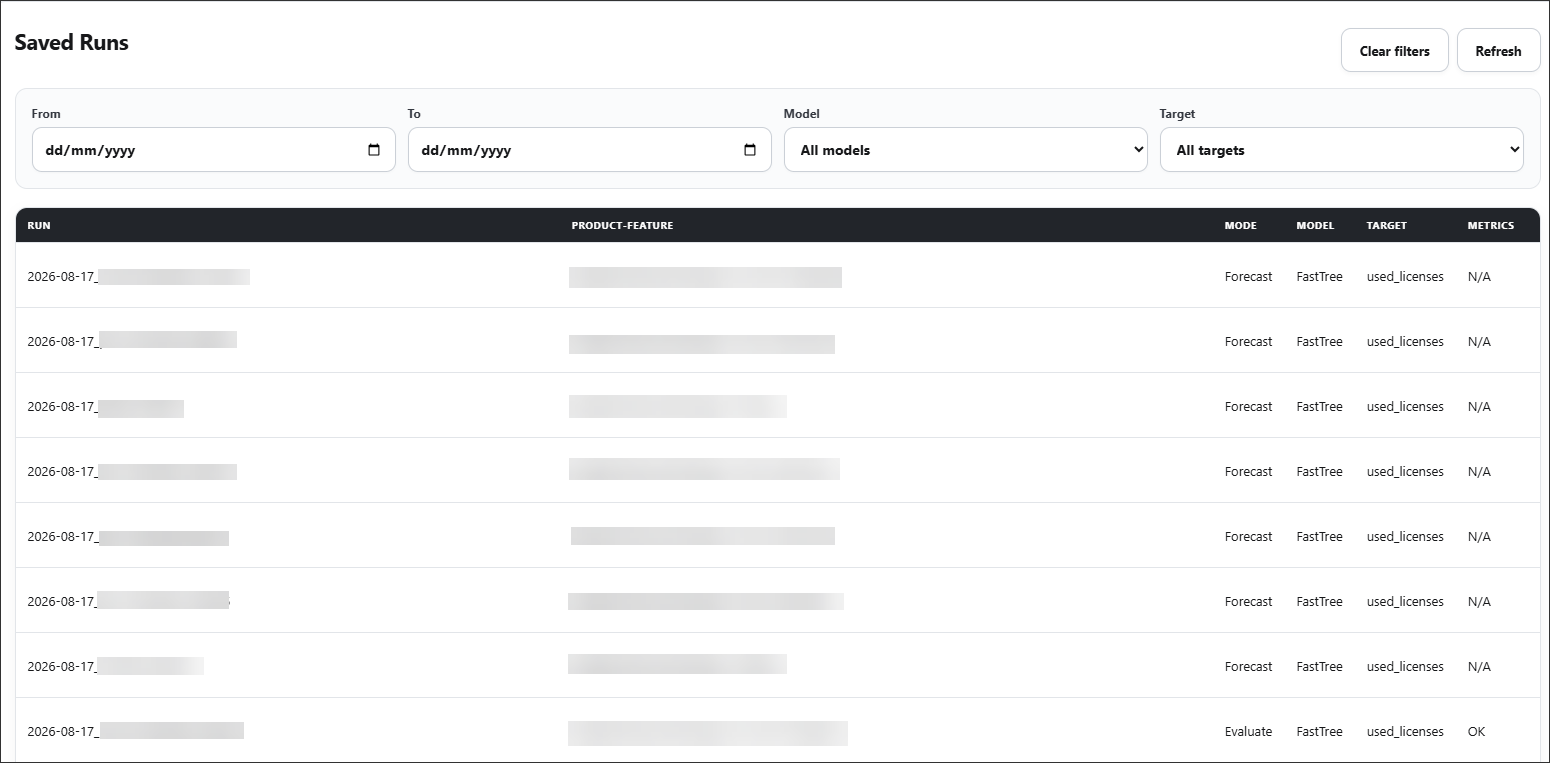
Saved Runs
Use the Runs page to locate previously generated results and review the configuration associated with each saved run.