License Monitor Core and Status Monitor
The License Monitor Core and Status Monitor pages serve as the redirection pages to the Core Server web interface. It provides a smooth connection and navigation between the dashboards of Analysis Server and Core Server.
These pages are disabled by default. To enable, please follow the procedures in the article Setting Reporting Server URL. Once configured, you may access the pages by navigating LM Portal > License Monitor Core and LM Portal > Status Monitor.
You can access the pages directly once they are enabled if the Ingress, Core Server, and Analysis Server are hosted on the same machine.
If the Analysis Server is deployed on a remote machine (for example, Machine A: Core Server + Ingress; Machine B: Analysis Server), you must complete the steps described in the section Core Server Tracking pages Configuration in the Analysis Server.
Note that accessing the Analysis Server via http(s)://localhost:<port>/ is not supported for this feature. Instead, access the Analysis Server web interface using the URL registered or specified in the Core Server Tracking pages Configuration in the Analysis Server section.
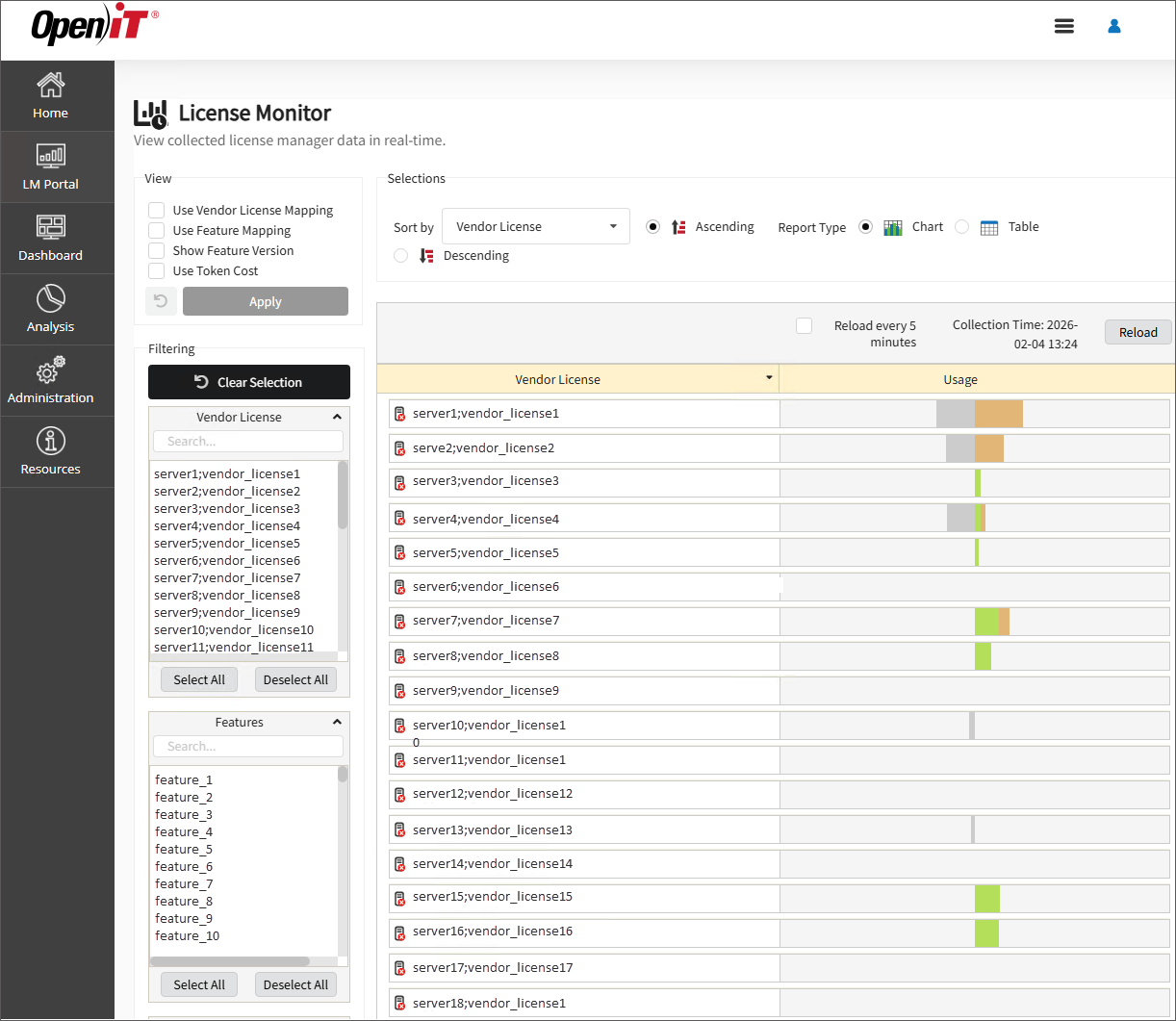
License Monitor Core
When accessing the page, it will display the License Monitor from the Core Server. For more details about the page, see the section License Monitor.
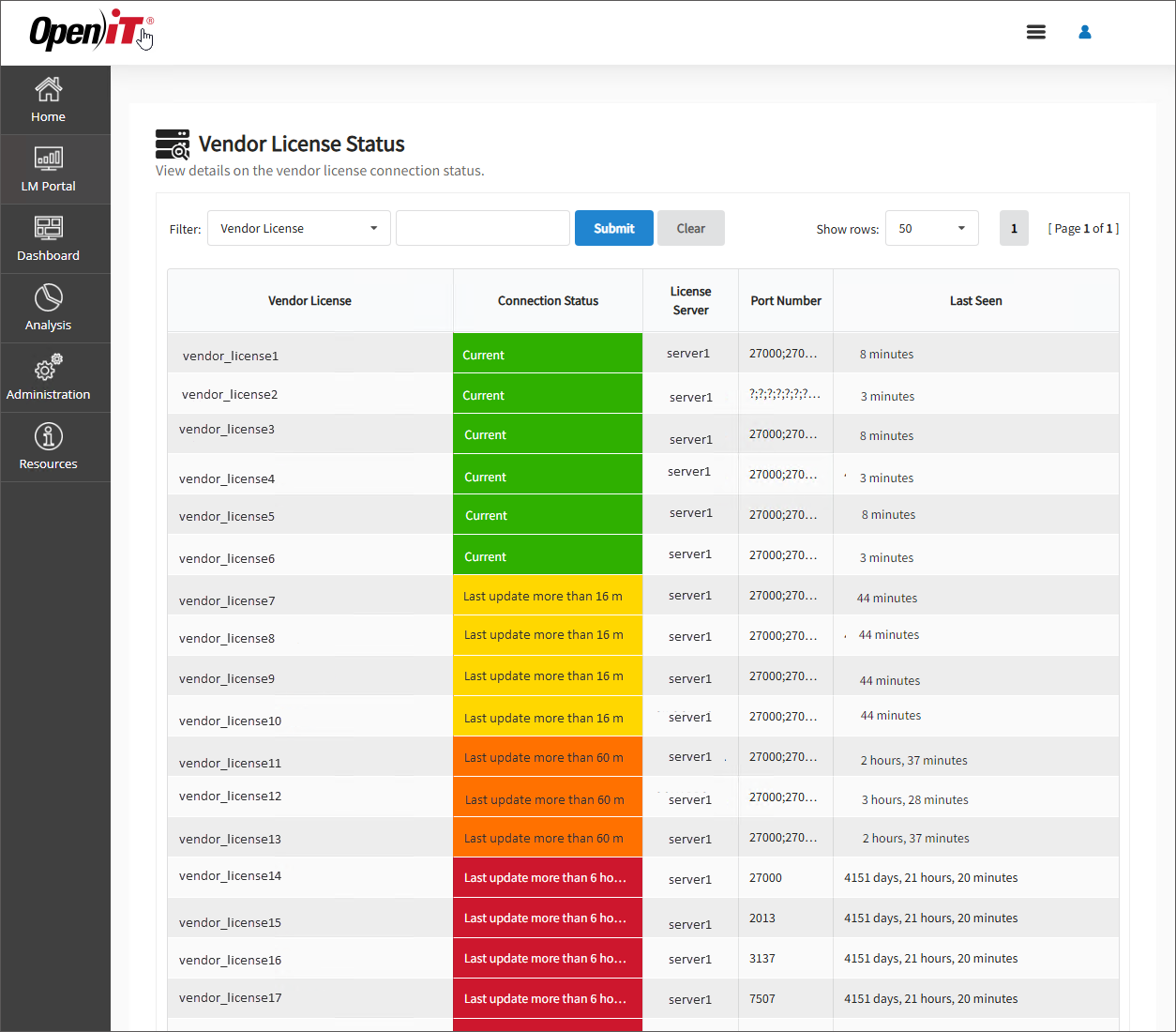
Status Monitor
When accessing the page, it will display the Vendor License Status from the Core Server. For more information about the page, see the section Vendor License Status.