Downloads
The Downloads page provides users with links and terminal commands for downloading and installing the Open iT client. This page is crucial for users looking to download and install Open iT software that works seamlessly with their operating system, ensuring optimal performance and functionality.
Click the Download button of the preferred operating system or click the Copy to Clipboard icon beside the command to download and install the Open iT client software.
note
The 32-bit Windows client installer is displayed only when it is available on the server. If the 32-bit installer is not present, only the 64-bit Windows client option is shown on the Downloads page.
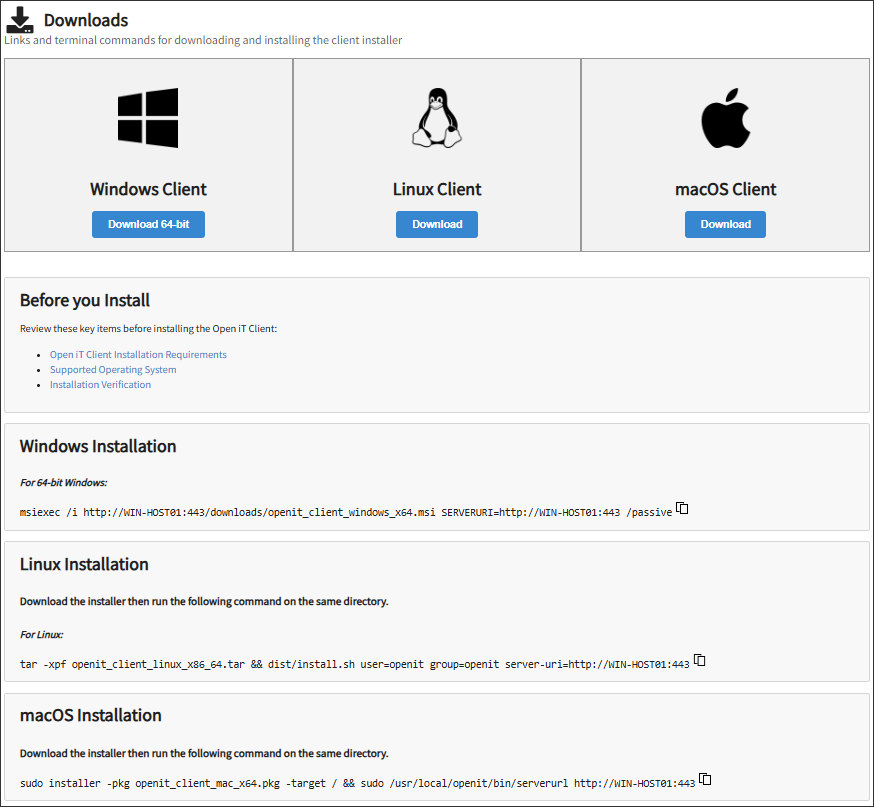
Downloads Page