Accessing the Web Interface
-
Open a web browser and go to
http(s)://<app_launcher_server_hostname>:<port_number>.<app_launcher_server_hostname>- hostname of the machine where App Launcher Server is installed<port_number>- port number used by the web service, which is 80 by default; this is specified upon App Launcher Server installation
-
Provide the Active Directory or local user credentials. Click Sign In.
 Log In Credentials
Successful login redirects to the Home page.
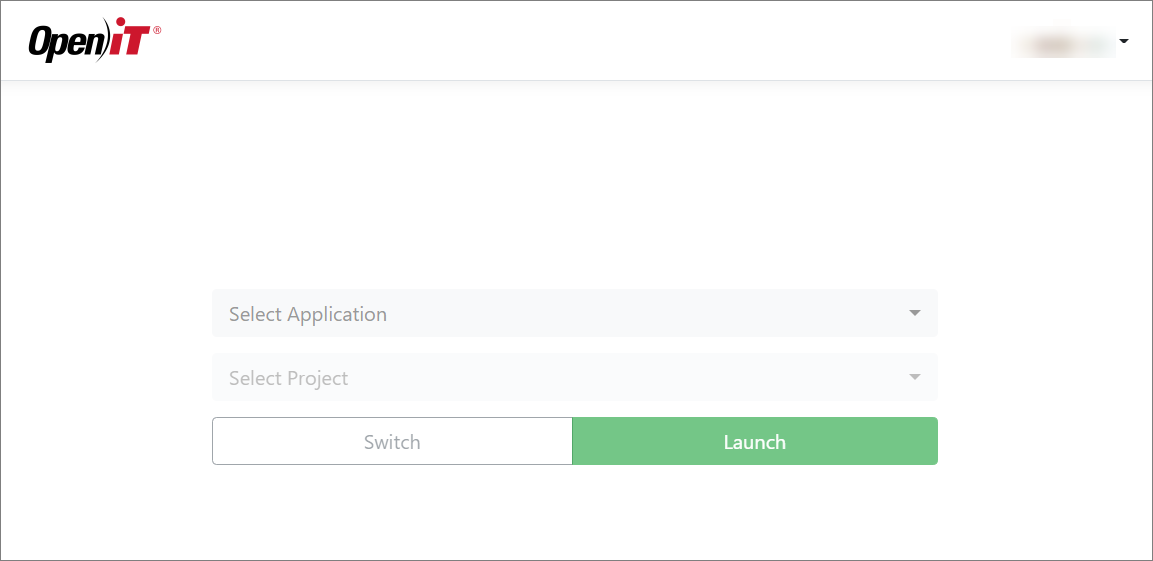 Home Page