Client
Upgrading through the Windows Installer Interface
-
Double-click the installer file.
-
In the setup wizard, click Next.
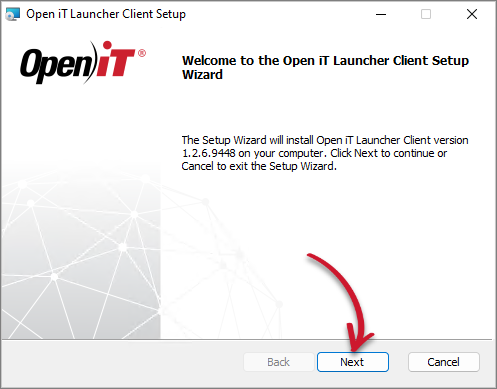 Welcome Screen
-
Read and accept the License Agreement, then click Next.
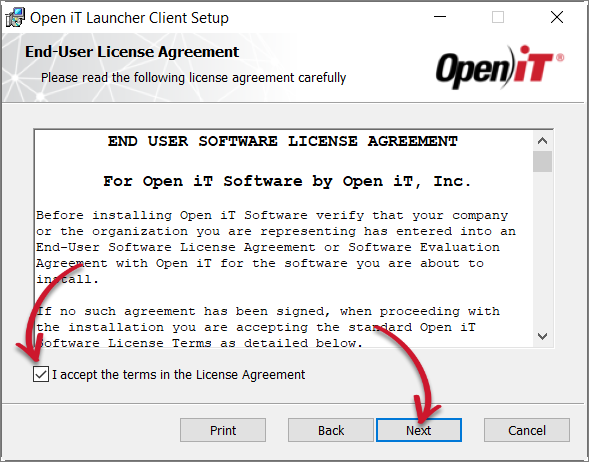 End-User License Agreement
-
Specify the installation directory. Click Change to set a different directory or click Next to use the default folder.
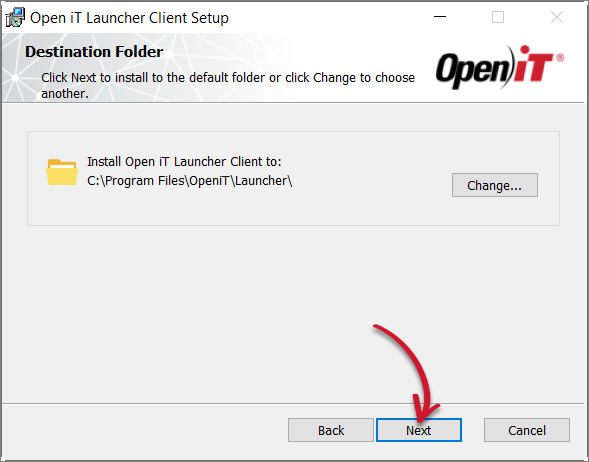 Destination Folder
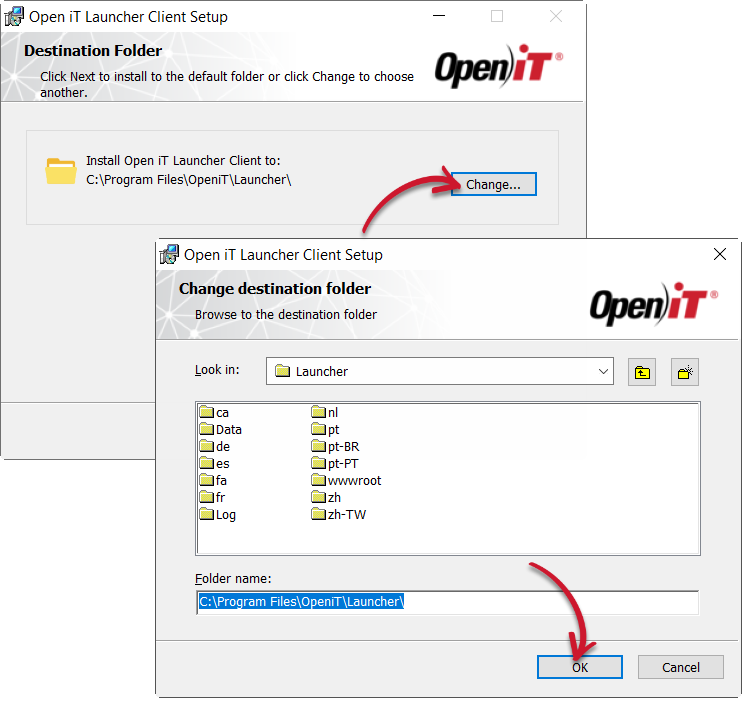 Changing the Destination Folder
-
Click Install to start the installation process.
Alternatively, click Back to review any installation setting.
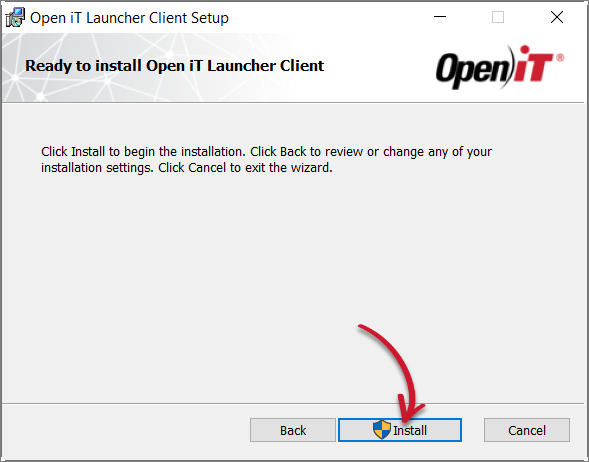 Ready to Install
-
The installer will set up all necessary files on the computer. Click Finish.
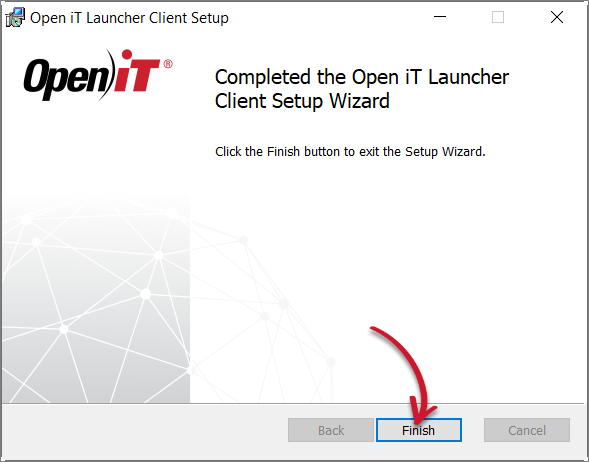 Complete Installation
Next Step?
After upgrading, proceed with verifying the installation.